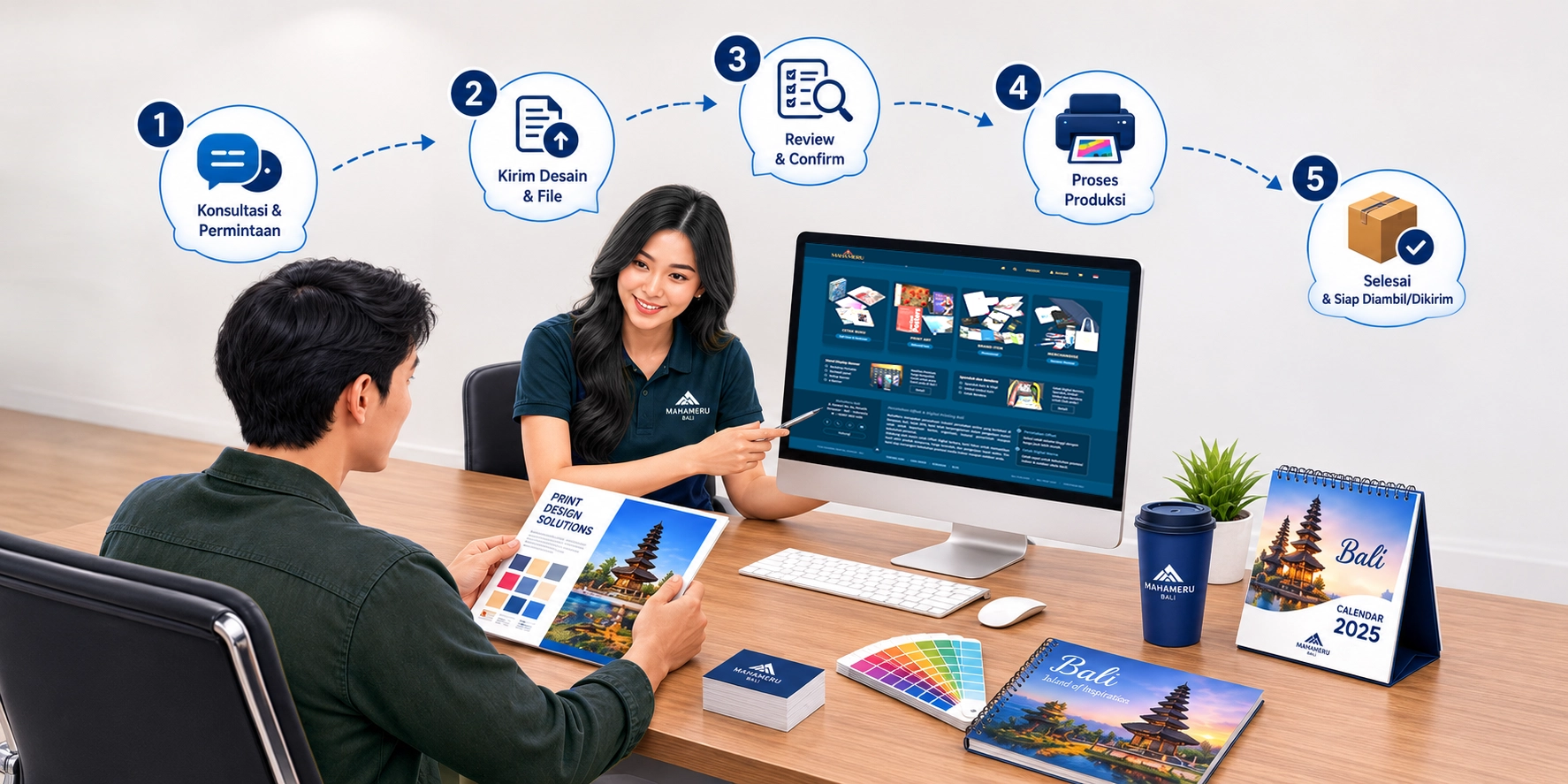
Choose a Product
Open the Products menu and select the product you would like us to print. Review its description, material, size, minimum order, and estimated production time.
Select the Specifications
Choose the size, material, quantity, color, printed sides, finishing, and any other available options. The price will be updated according to your selections.
Add It to Your Cart
Check your selections and quantity, then click Add to Cart. You can continue shopping or proceed to your shopping cart.
Review Your Order
In your cart, make sure the product name, specifications, quantity, weight, price, and estimated completion time are correct before proceeding to checkout.
Log In or Create an Account
Log in if you already have an account. New customers can create an account and enter their name, WhatsApp/telephone number, and complete address.
Choose a Delivery Method
Select one of the delivery methods available for your address. Local delivery may be available within Bali, while supported courier services will be shown for destinations outside Bali.
Submit Your Artwork
Use Upload from Device or enter a file URL from Google Drive, Dropbox, WeTransfer, or a similar service. Make sure the file can be accessed without requesting permission.
Choose a Payment Method
Select an available payment method. Enter a promotional code if you have one, then review the subtotal, delivery fee, and final total.
Add Order Notes
Enter important instructions about color, artwork placement, finishing, file names, or any special requests in the order notes field.
Confirm Your Order
Accept the order terms and click Pay Order. Keep your order number so you can check its status and refer to it when contacting us.
Artwork Format For Offset & Digital Print
We recommended to send your file to email, for bigger file size can upload to file storage provider like as dropbox, box, drive etc.
Files are delivered in CMYK color format ( Not RGB and Pantone color)
Suggested file type to get the most maximum prints result :
- Photography: which contains more pictures than text, should be send the files as JPG format, within resolution of 300 dpi. Try to use images / pictures with good quality, not broken and blur.
- Graphic & vector design : Should be in format CDR ( CorelDraw ) , PDF and AI ( Adobe Illustrator ), make sure to convert Fonts to curve / embed fonts . It is not recommended to send files in JPG format , because the file that contains a lot of text, graphs outline will appear blurry and not sharp , especially if the file will be print in to larger format .
- Document Prints : For printing booklets, magazines, tabloids, it is advisable to send the file in PDF format. Do not use in Microsoft Office ( word, excel , power point ) files format.
- Banner Printing : large size banner can transmit into JPG file format, set the file resolution to 100-200 dpi . Set the compression level so that the results remain smooth.
Print outs on any material experience the difference, it depends on the level of material thickness, texture and types.